Main Features
This document isDS for MobileIntroducing the main features.
Notice
All features described below are subject to change based on future conditional policies or customer security requirements.
Document Management • Security
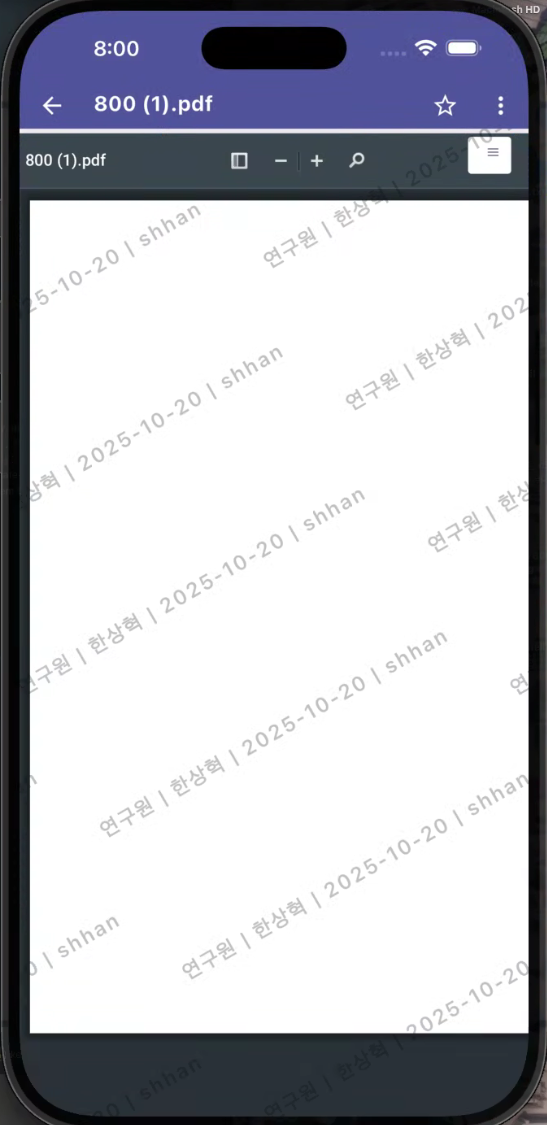
DS for MobileThis is a document viewing app that safely opens documents in WebView through the document URL received from the Viewer server.\
The app itself only supports document viewing functionality, but if necessary, it can convert DRM documents to MIP documents and share them with external apps, allowing for editing in MS Office.
Document Viewing
- The document is loaded into the app's WebView through the URL received from the Viewer Server.
- The decryption and security processing of the security document is handled by the server, and no plaintext files are stored within the app.
- Document Viewing Support Format
-
DRM Document
-
MIP Document: For Security365 users, MIP document viewing is available.
-
General Document: General documents that do not have DRM or MIP applied can also be viewed in the same environment.
-
Document Management
-
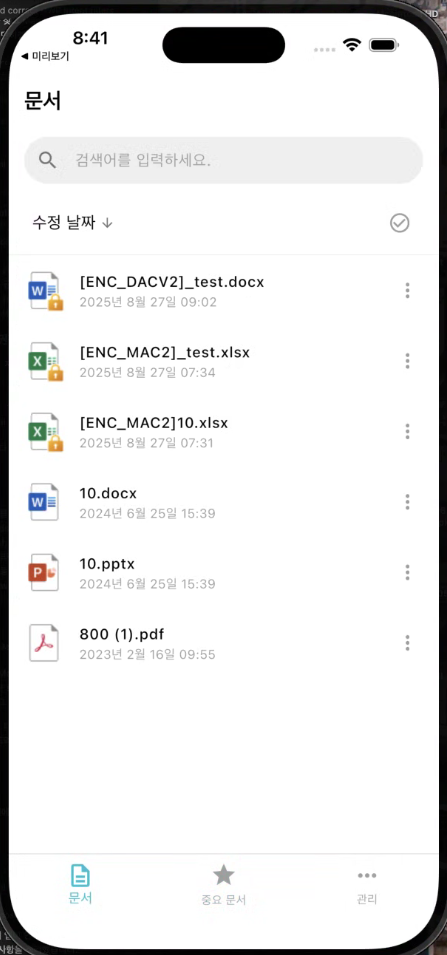
The document list screen supports basic actions such as detailed information, favorites, delete, and restore.
-
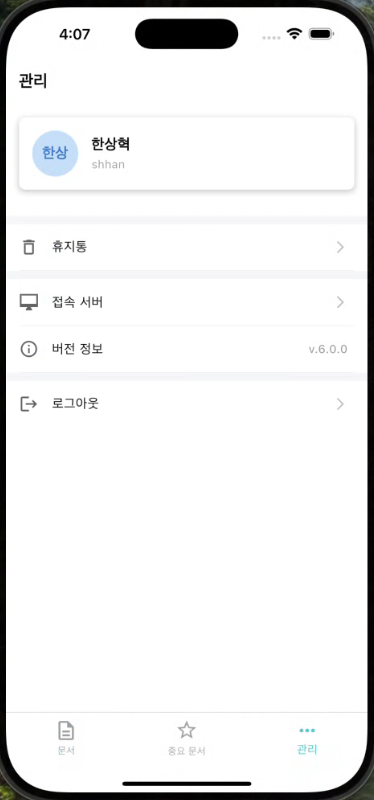
Deleted documents are stored in the recycle bin and can be automatically deleted after a certain period or manually restored.
-
You can check the detailed information of each document (document name, type, creation date, etc.).
Document Sharing (Editing)
-
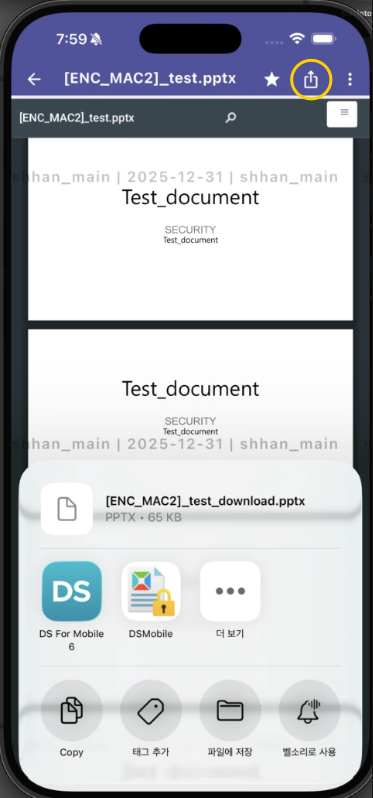
DRM Documentonly forConvert to MIP documentso that it can be shared with external apps.
-
This feature isPurpose of Document EditingIt is provided as __PH_0__, and the converted MIP document can be opened and edited in external apps such as MS Office.
-
Document viewing screen top barShare ButtonThis is displayed, and only DRM documents that are allowed to be shared (downloaded) in the conditional policy can be shared.
-
The shared MIP document isThe document list of the app is not saved and, internally temporarily stored and can be used after editing in external apps.
Document Security
Screen Marking
- The document screen displays information such as watermarks or user IDs in an overlay form to provide a deterrent effect against illegal filming/leakage.
Screen capture blocking feature
- Capture prevention is applied differently depending on the OS, and it is implemented as follows.
| division | Android | iOS |
|---|---|---|
| Operation Method | Block screenshots and screen recordings for the entire app | Detecting capture in the system and applying blind processing |
| User Feedback | Display "Capture is blocked for security reasons" message when taking a screenshot | The screen is immediately blacked out, displaying the message "The screen has been blocked." |
| Document List Screen | App Settings |
|---|---|
 |  |
| Document Viewing | Document Sharing |
|---|---|
 |  |
User Authentication
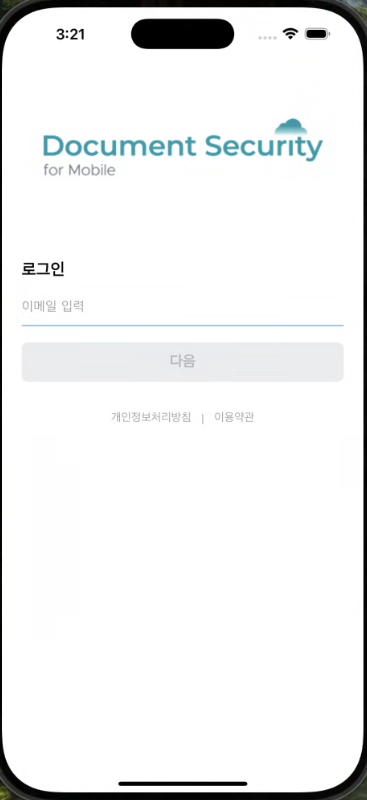
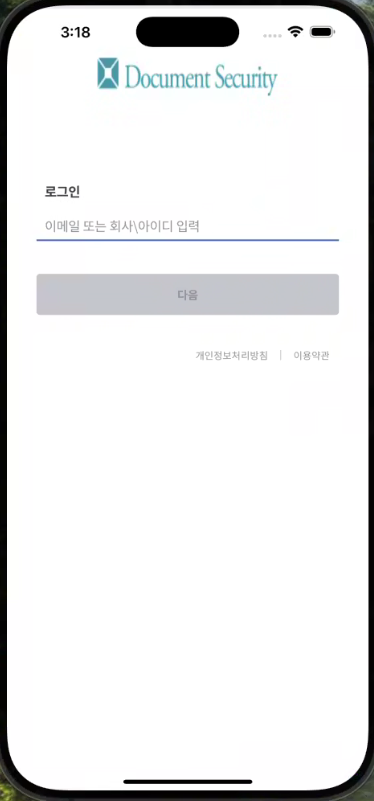
DS for Mobile provides a flexible login method according to the client's environment.
Security365 Login
-
Customers with the Security365 platform log in through the integrated authentication system.
-
Based on single sign-on (SSO), you can integrate account linking with other services and manage authentication history in a unified manner.
-
self
| Document Security Login | Integrated Login |
|---|---|
 |  |