Update
1. Check for Updates
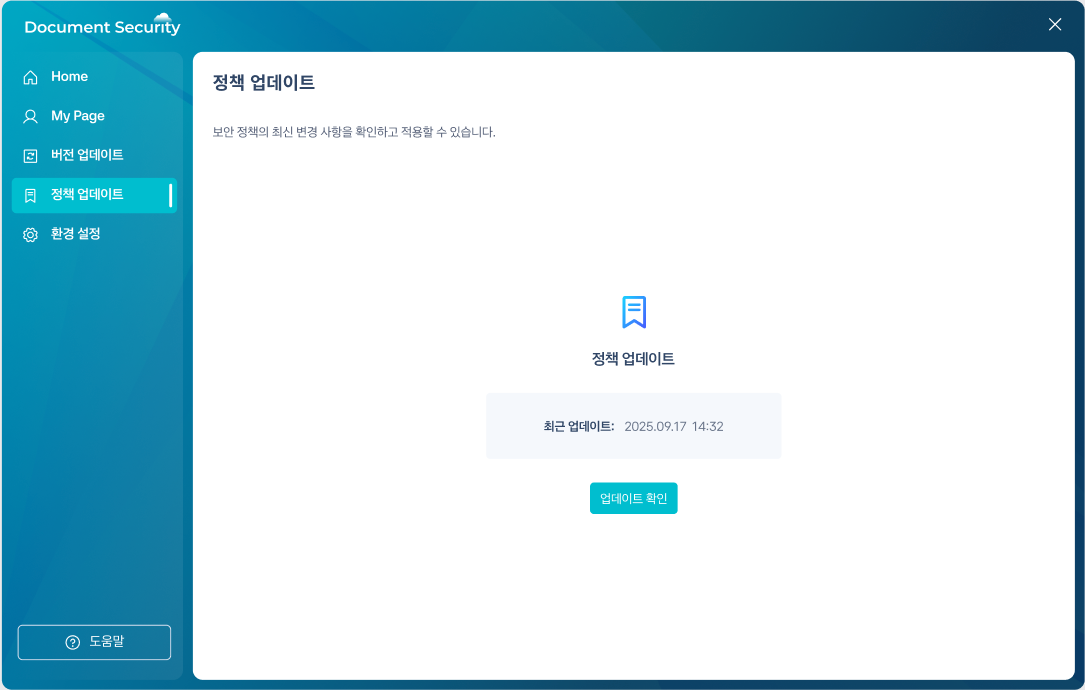
Check if the installed version is the latest, and apply updates when there are policy or program updates.
| Version Update | Policy Update |
|---|---|
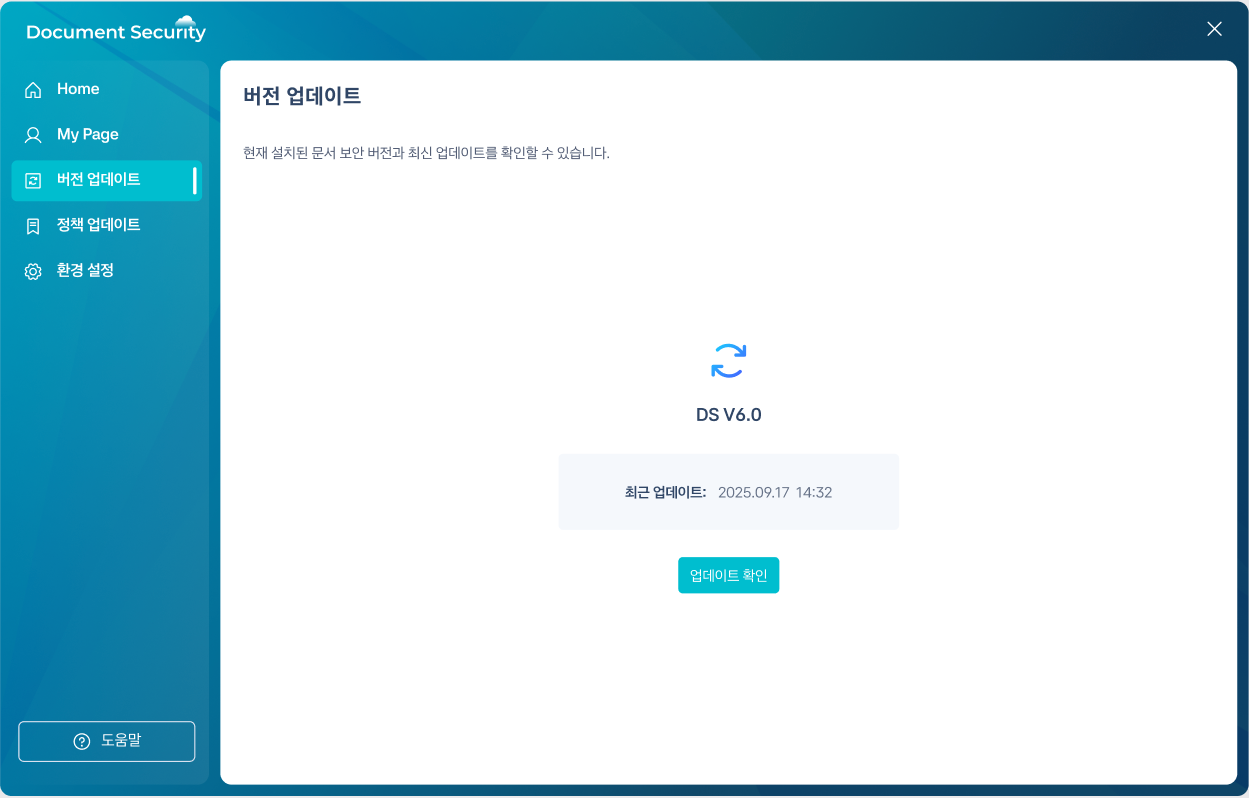 |  |
1.1 Version Update
- Home screen or settingsVersion UpdateOpen the card.
- Recent UpdatesChecking the time.
- Check for updatesPress the button.
- If there are available updates, they will be applied.
1.2 Policy Update
- Home screen or settingsPolicy UpdateOpen the card.
- Check for updatesPress the button.
- When the policy changes are applied, a notification saying "Policy update has been completed." will be displayed.
Please be careful not to turn off the PC power or disconnect the network during the update.