Introduction to DS For Mobile Features
This document isDS for MobileIntroducing the main features.
Notification
All features described below are subject to change based on future conditional policies or customer security requirements.
Document Management • Security
DS for MobileThis is a document viewing app that safely opens documents in WebView through the document URL received from the Viewer server.
The app itself only supports document viewing, but if necessary, you can convert DRM documents to MIP documents and share them with external apps to edit in MS Office.
Document Viewing
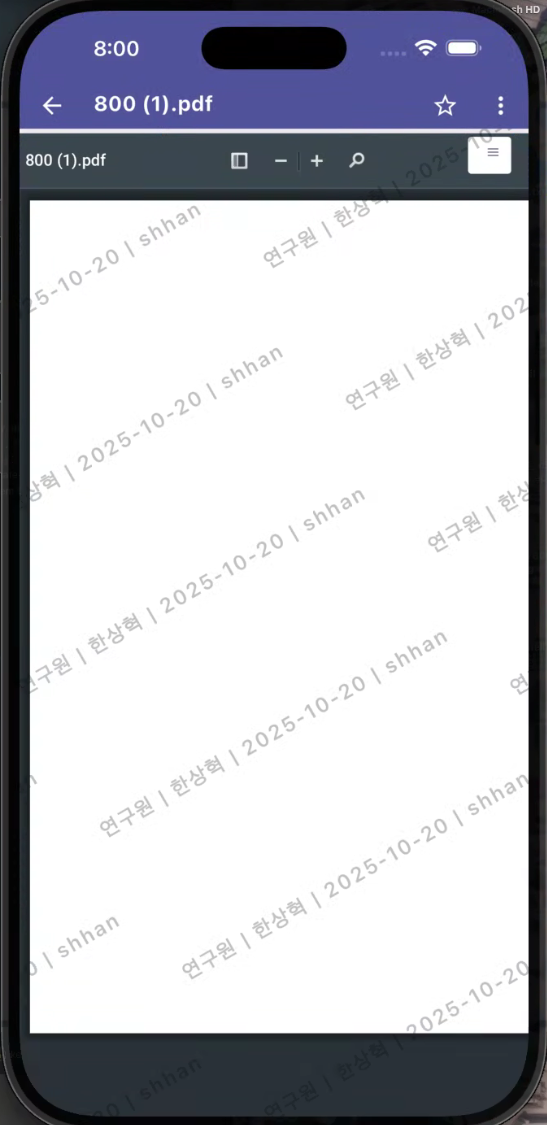
- The document is loaded into the app's WebView through the URL received from the Viewer Server.
- Decryption and security processing of security documents are handled by the server, and no plaintext files are stored within the app.
- Document Viewing Support Format
- DRM Document
- MIP DocumentFor Security365 users, MIP document viewing is available.
- General DocumentGeneral documents that do not have DRM or MIP applied can also be viewed in the same environment.
Document Management
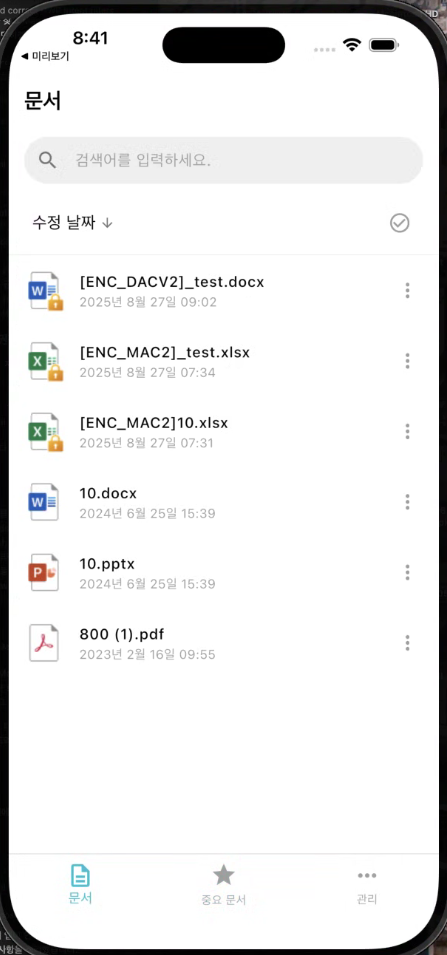
- The document list screen supports basic actions such as detailed information, favorites, delete, and restore.
- Deleted documents are stored in the recycle bin and can be automatically deleted after a certain period or manually restored.
- You can check the detailed information of each document (document name, type, creation date, etc.).
Document Sharing (Editing)
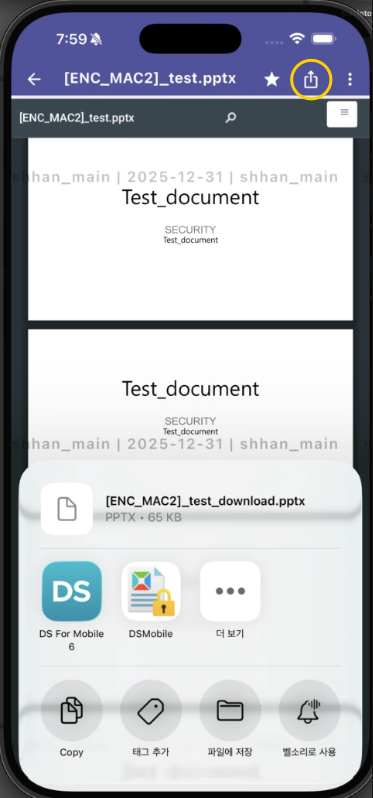
- DRM Documentonly forConvert to MIP documentso that it can be shared with external apps.
- This feature isPurpose of Document EditingIt is provided as a converted MIP document that can be opened and edited in external apps such as MS Office.
- Top bar of the document viewing screenShare ButtonThis will be displayed, and only DRM documents for which sharing (downloading) is allowed in the conditional policy can be shared.
- The shared MIP document isThe app's document list is not saved., temporarily stored internally and can be used after editing in external apps.
Document Security
Screen Marking
- The document screen displays information such as a watermark or user ID in an overlay format to provide a deterrent effect against illegal filming/leakage.
Screen capture blocking feature
- Capture prevention is applied differently depending on the OS, and it is implemented as follows.
| division | Android | iOS |
|---|---|---|
| How It Works | Block screenshots and screen recordings for the entire app | Detecting capture in the system and applying blind processing |
| User Feedback | Display "Capture is blocked for security reasons" message when taking a screenshot | The screen is immediately blacked out, displaying the message "The screen has been blocked." |
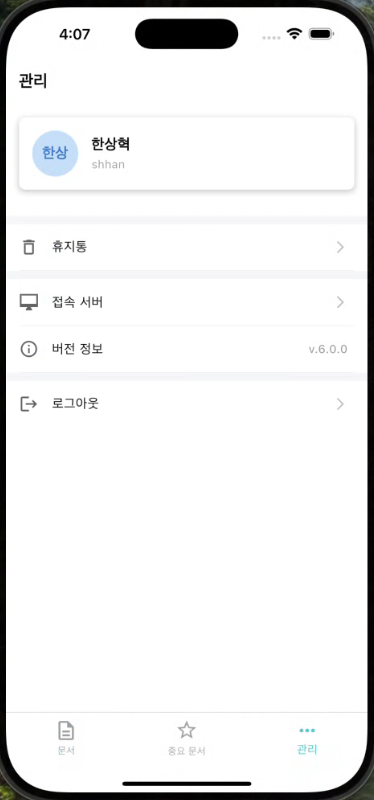
| Document List Screen | App Settings |
|---|---|
 |  |
| Document Viewing | Document Sharing |
|---|---|
 |  |
User Authentication
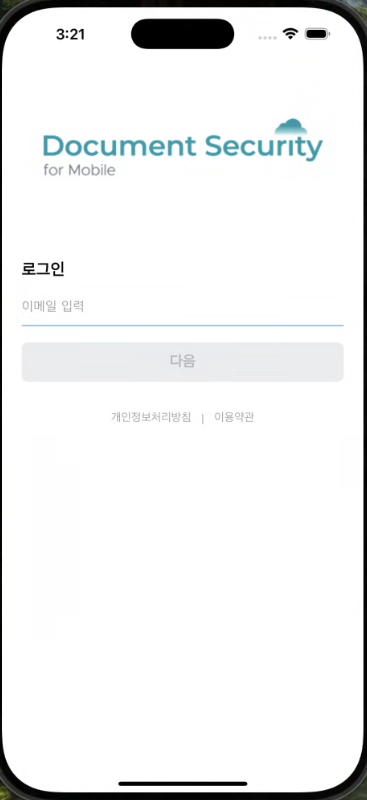
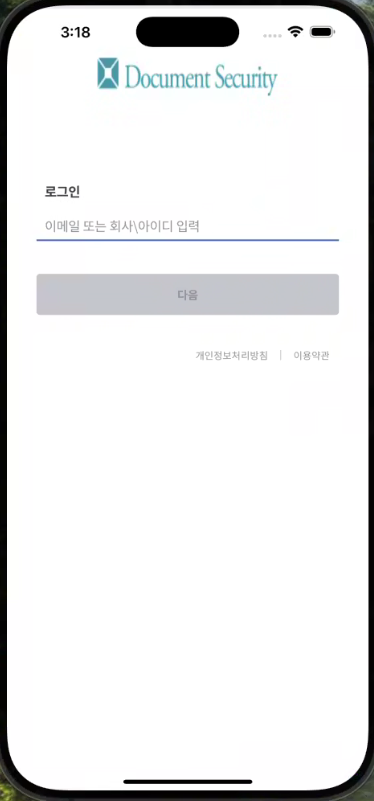
DS for Mobile offers flexible login methods depending on the client's environment.
Security365 Login
- Customers with the Security365 platform log in through an integrated authentication system.
- Based on Single Sign-On (SSO), you can integrate account linkage with other services and manage authentication history in a unified manner.
- self
| Document Security Login | Integrated Login |
|---|---|
 |  |