Login
For accounts that were manually registered
Security365 portal's
사용자If it is an account registered in the menu, log in using that method.
1. Enter ID
Enter the ID of the account you wish to log in to.
2. Enter Password
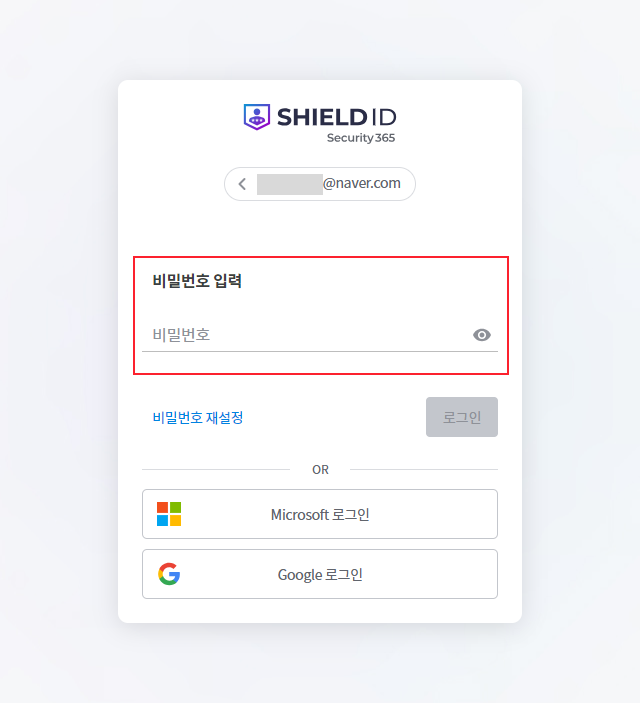
Enter your password in the password input field to log in.
For accounts registered with Microsoft365
Accounts registered with Microsoft365 and accounts synchronized through Microsoft365 synchronization log in using that method.
[설정> 사용자 인증 설정[If not set]
1. Enter ID
Enter the ID of the account you wish to log in to.
2. Enter Microsoft password
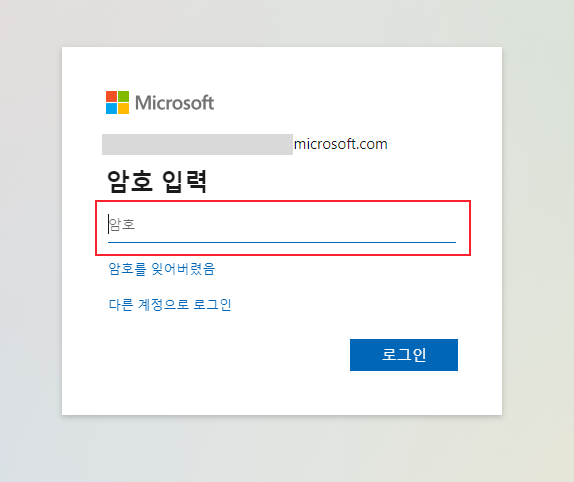
Enter your password in the password input field to log in.
[설정> 사용자 인증 설정In the case of using Security365 certification and CSP certification.
1. Enter ID
Enter the ID of the account you wish to log in to.
2. Click the Microsoft Sign-In button
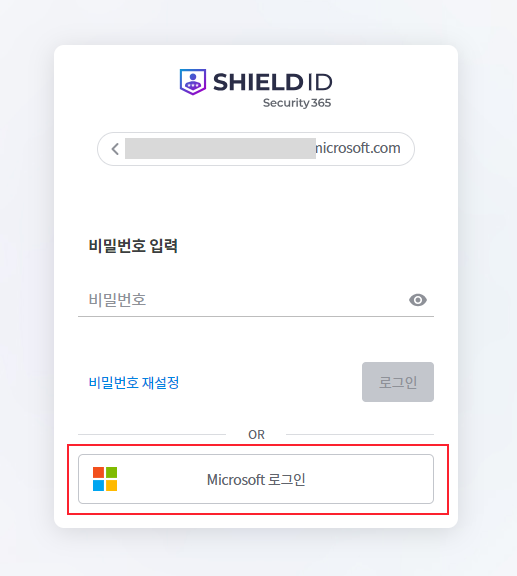
Click the Microsoft login button and enter your password in the password input field to log in.