System Status
Overview
info
This document introduces how to use the [System Status] page.
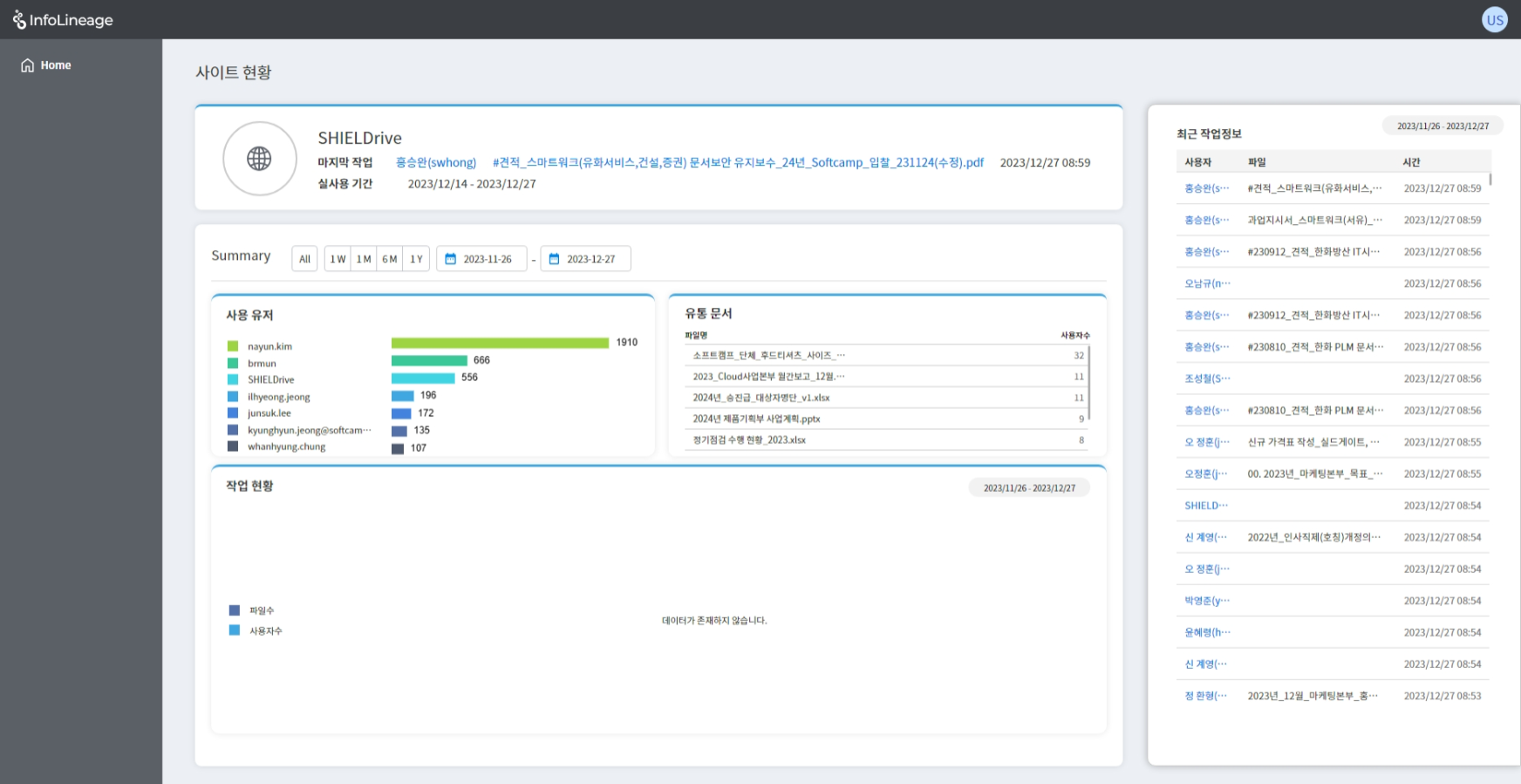
1. System Profile
- System Title
- Last user worked with, file title, work time
- Total period for which system usage logs are stored
- Users can click on the file title to navigate to the corresponding status page.
2. Summary
- Users: Shows up to 7 users who have used the system.
- Distributed Files: Shows all files distributed through the system.
- Work Status: This graph shows the current status of the system in use.
- You can modify the period for checking data through the button.
3. Right Menu
- You can check the recent work information in reverse chronological order.
- Clicking on the user will take you to that user's status page.
- You can modify the period using the button in the Summary.
© SOFTCAMP Co., LTD. All rights reserved.