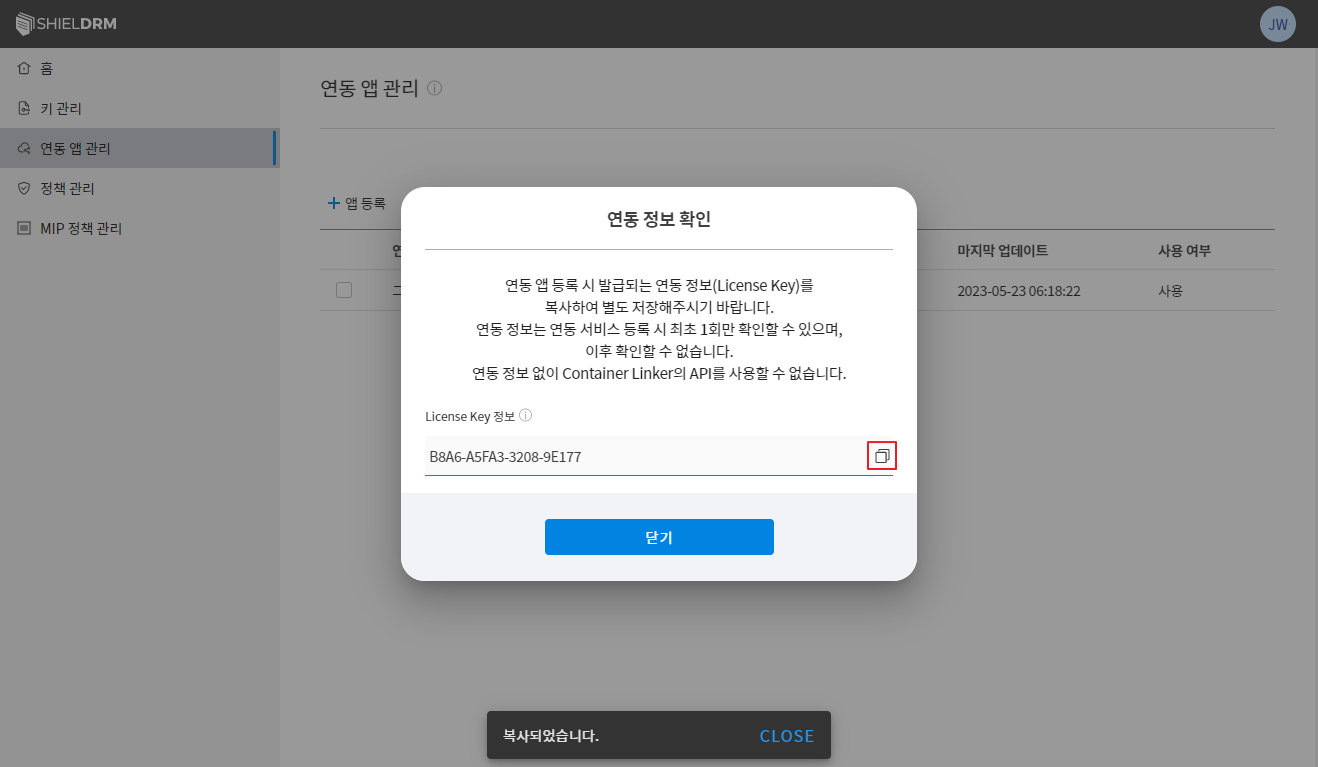
4) Integrated App Management - License Issuance
Issuance of license to use SDF Container in customer business system
- Need to register an app (service) for the company registered with Security365.
- If the SensitiveDocsFlow app service is used, the integrated app management menu will be displayed.
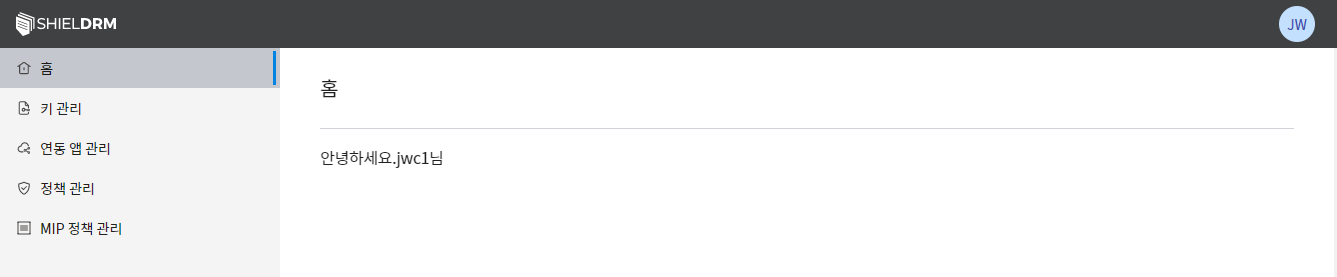
SHIELDRM Admin Web Console
Company Administrator Account Login
- Accessing the SHIELDRM Admin Web Console in the Security365 Management Center
- Login with the administrator account of the registered company
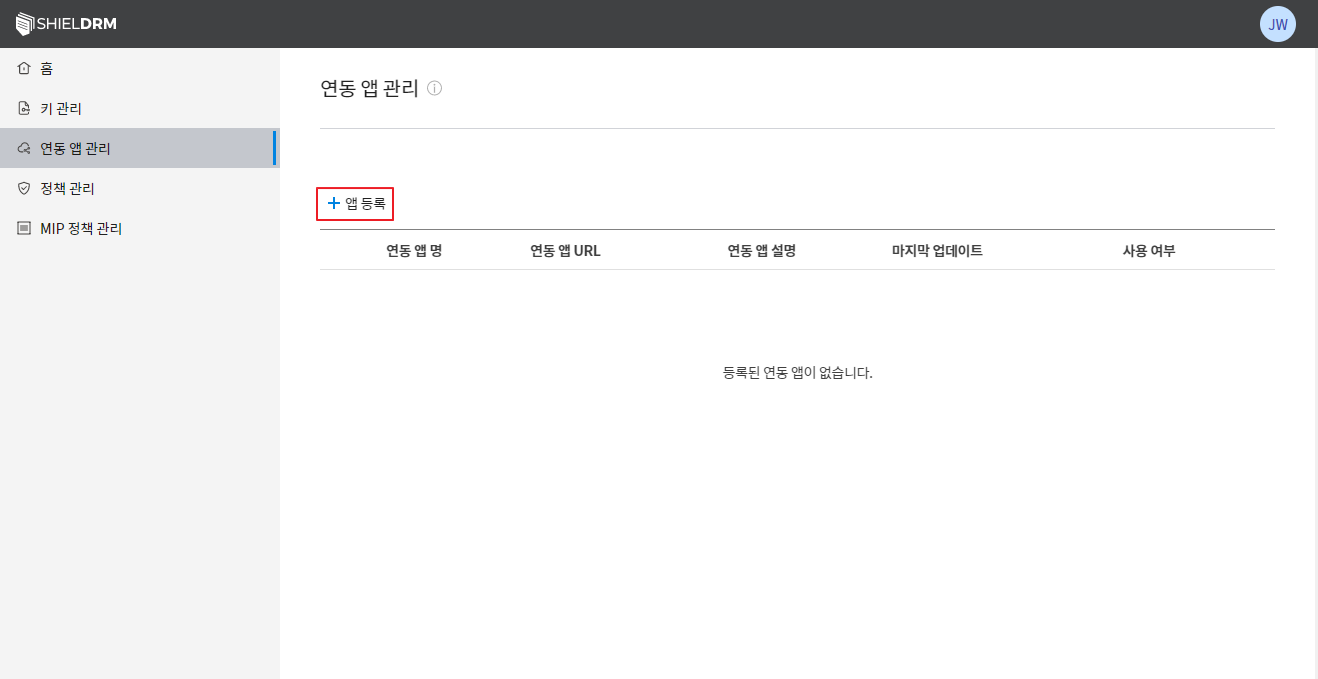
- Click the app registration button
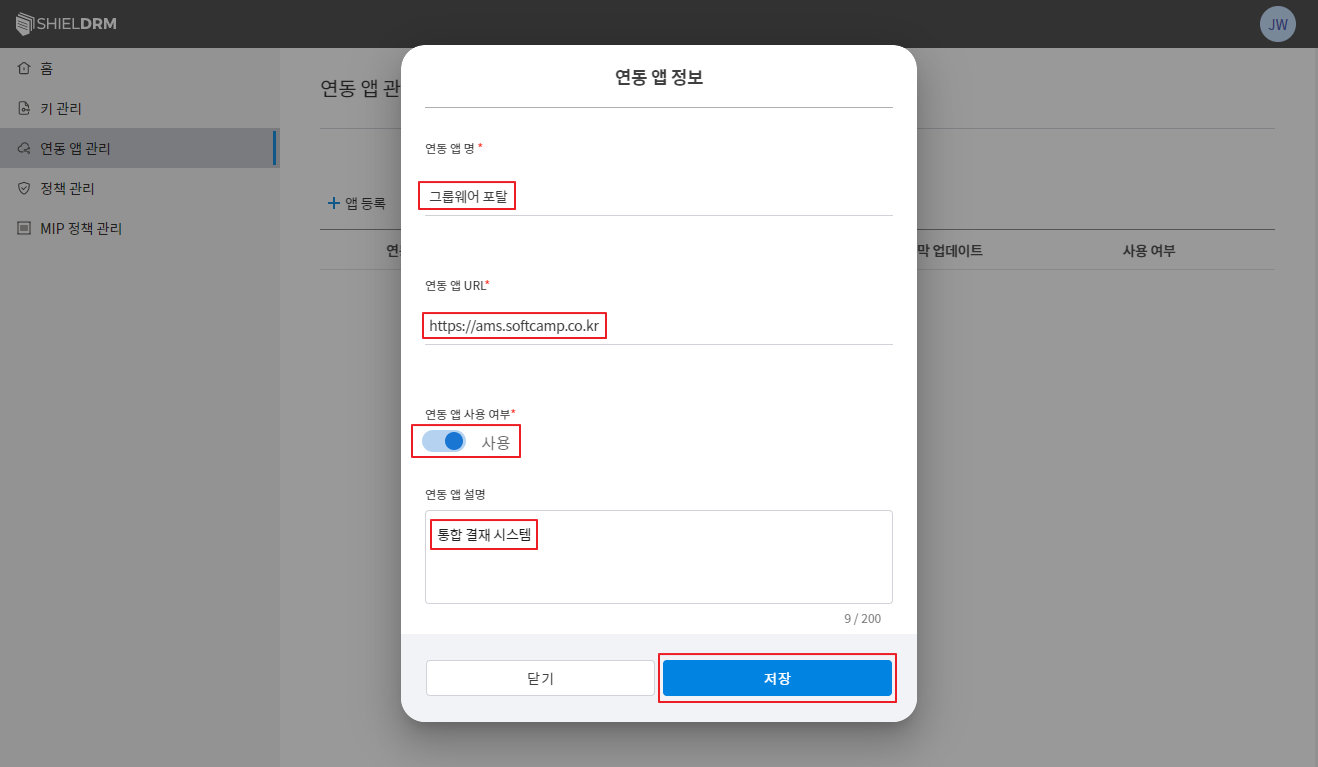
- Save after entering information for the linked app (client's cloud system)
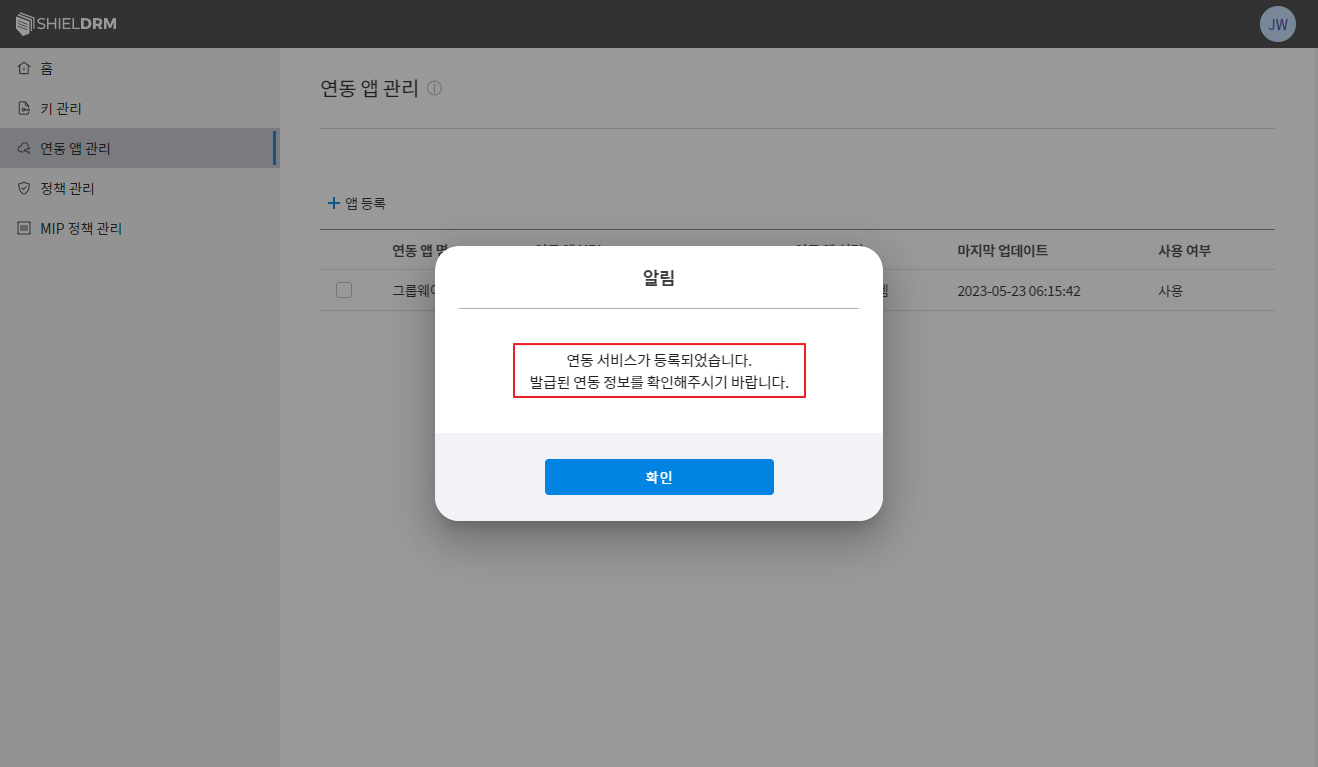
- Registration Confirmation Notification
- The license key information displayed after registration can only be checked once, so separate management is necessary.
- A license issued as a required parameter is needed when calling the SDF Container.
- Delete the corresponding linked service and re-register in case of license loss.
- If you delete the linked service, the previously issued licenses will be unusable.
Encryption and Decryption Test Using Registered Key Data and License